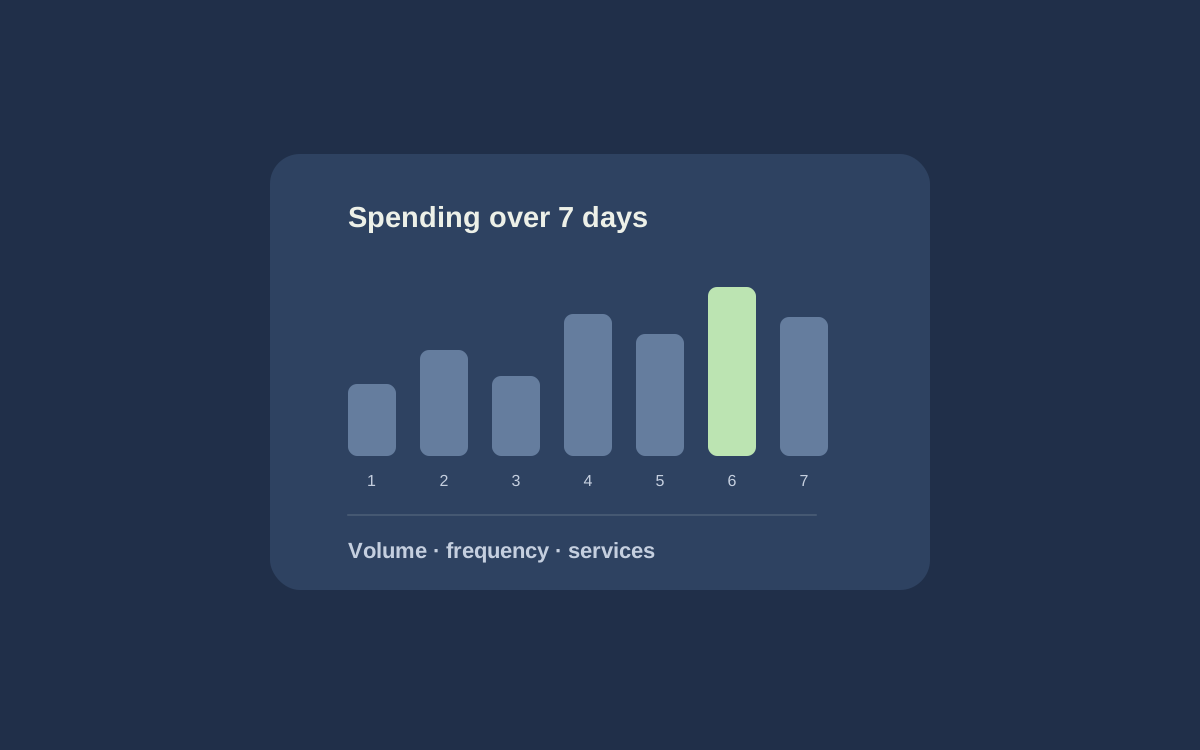
More frequent collection does not always produce more useful data. If you need a morning check, running every few minutes may only consume more resources. If decisions happen several times a day, one overnight snapshot may be insufficient.
Choose a schedule around your workflow: when you use the data and how fresh it must be by then.
Start with the decision time
Ask what happens after the table updates. Will a manager check prices, an employee prepare a file, or a team compare product ranges? Each task has its own rhythm.
For a daily review, start with one run before work and leave time for processing and checking. For decisions made more often, choose several intervals during the day. These are ways to plan, not universal frequencies for every source.
After several runs, see how often the values you need actually change. If most results repeat, reconsider the interval. If important changes arrive too late, assess whether more frequent collection is worth it.
Allow for run duration and overlap
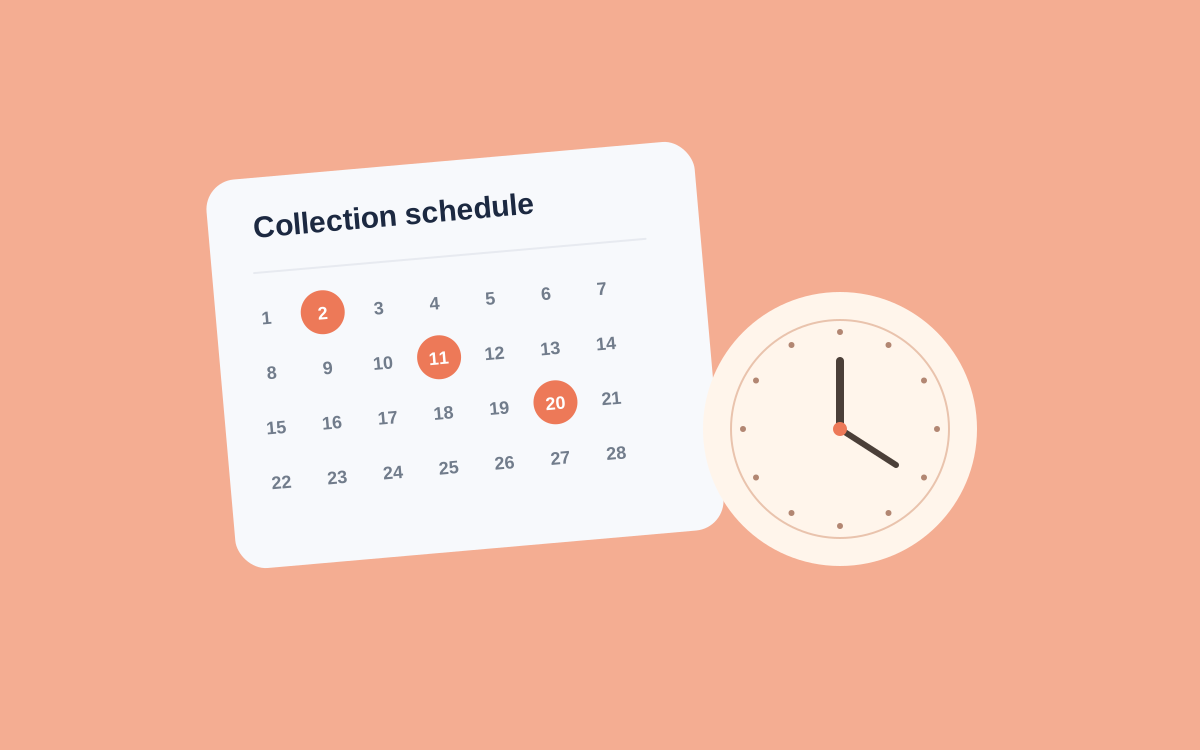
In Akmelo, a schedule runs a published scenario. Set a time zone, inspect upcoming runs, and choose what happens if the previous run is still active.
Confirm the time zone, especially when teammates work in different regions. Europe/Moscow represents Moscow time.
Do not expect second-perfect start times. A queue, available worker, allowed time window, and random delay can affect the actual start. The scheduled time also differs from the time when results become ready.
If runs routinely take longer than the interval, first address volume and overlap. A growing queue does not make data fresher.
Check before enabling it
Get a clear manual result first. After enabling the schedule, inspect several runs:
- Did each task start around the expected time?
- Did it obtain the needed records and fill required fields?
- Is there enough budget, and are source errors recurring?
The schedule's event history distinguishes a skipped run from a failure during execution. Pause the schedule to stop future runs; an active run must be stopped separately.
Revisit the interval when the product range or team workflow changes. Seasonal catalog growth, for example, may require more collection time. See the schedule documentation and the collection cost guide.