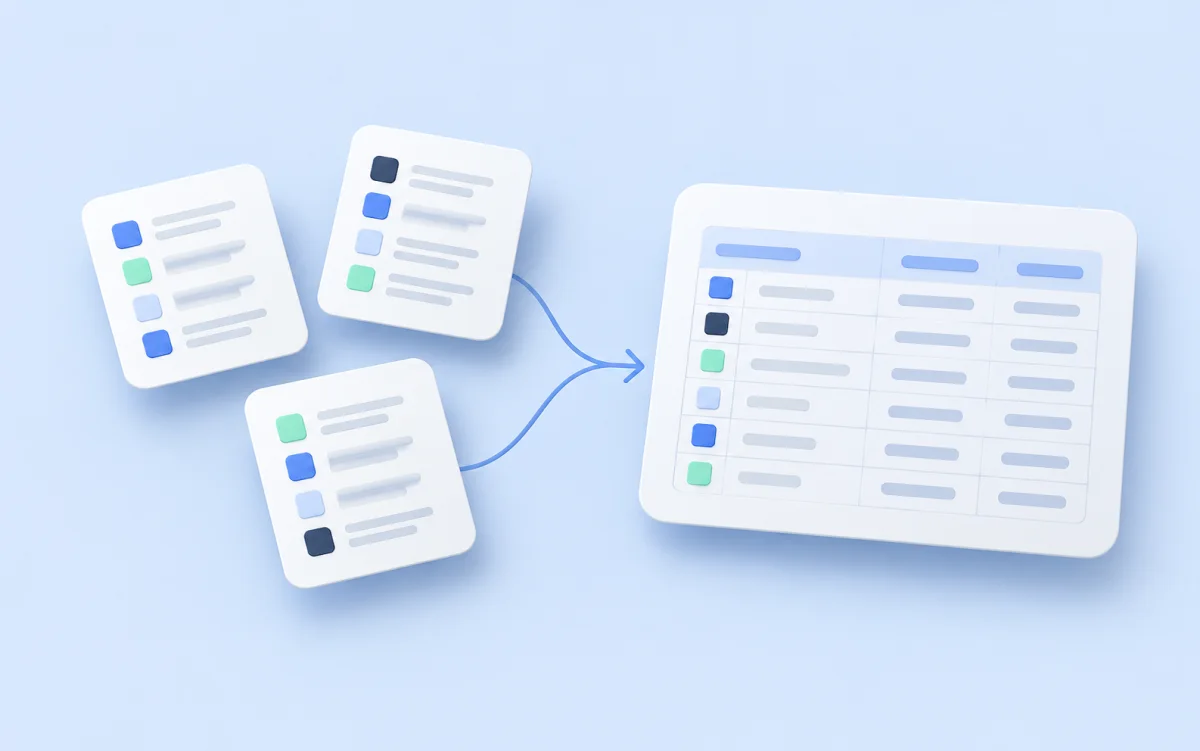
Akmelo has a fresh start. The service now centers on a clear task: collect data from a source, check the result, and prepare it for further work. After a run, you should be able to tell where each value came from and whether it answers your question.
This article explains where to begin. Later articles cover price monitoring, product matching, schedules, and exports in more detail.
From source to result
Start with a source site. Its collection scenarios, run history, and records belong together. This structure keeps catalogs separate and helps you trace a particular value to its origin.
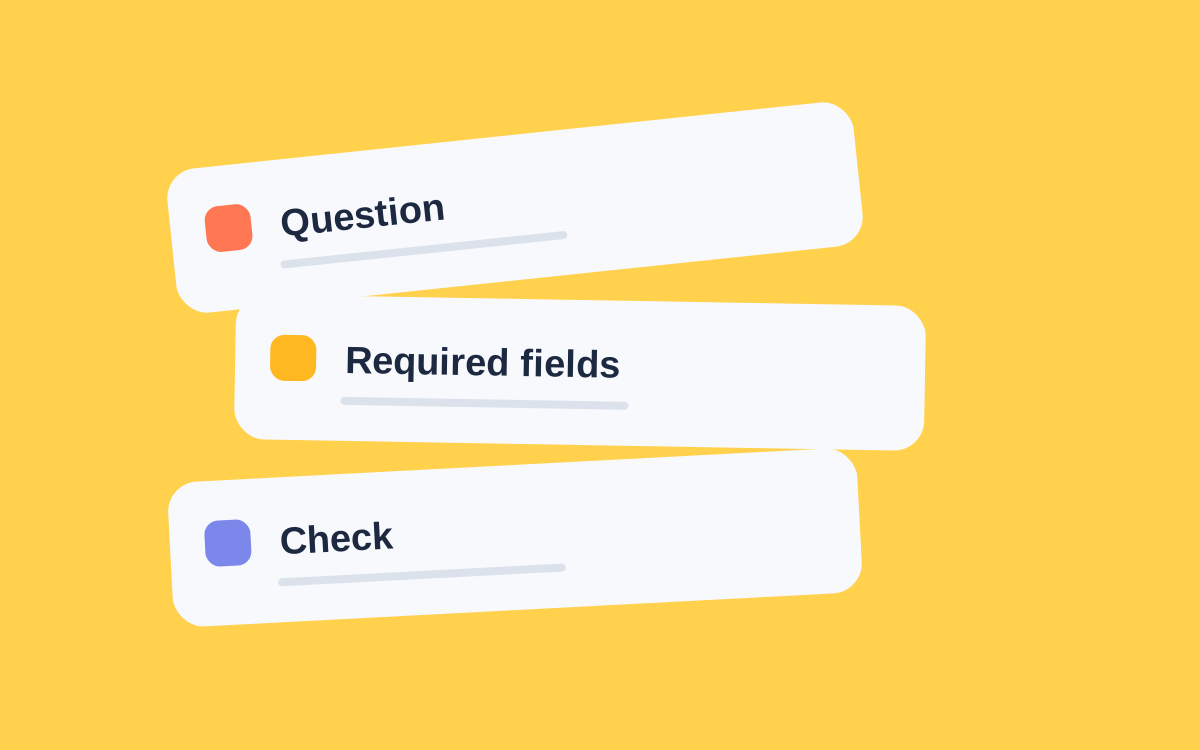
A scenario defines how to obtain the data. Fields define the output, such as SKU, name, price, and source link. You can choose field types and validation rules. They help when a source unexpectedly returns text instead of a number or leaves a required value blank.
After a run, open the results rather than stopping at the Completed status. The expected number of rows does not prove that every important field is correct.
Automate after checking
Schedules help with recurring work. Choose a time zone and decide what happens if runs overlap. First test a small collection manually, though: if product variants were mixed up in the sample, a schedule will repeat the mistake.
Record history shows how values change. Exports pass selected data to another system. These tools serve different purposes, so you do not need to configure everything on day one.
Keep the checking context with the result: collection time, selected region, and the kind of price being compared. Conditions on a source marketplace can change.
What to try first
Pick one question to answer, such as the current prices of a small set of products. Define the needed fields and compare a few resulting records with their source pages.
When those records and fields look right, expand the selection. Add a schedule and export as the next step.
Follow the first collection guide for a step-by-step example. To find a particular setting, open the Akmelo documentation for source, scenario, and result guides.