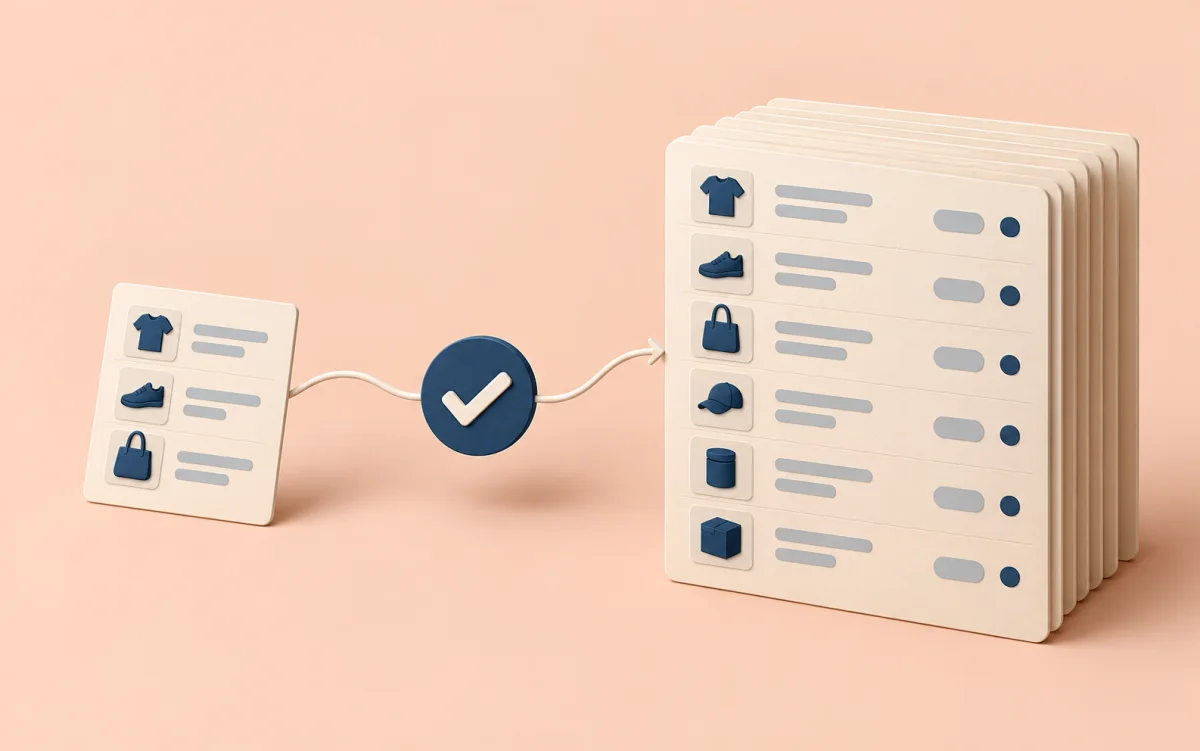
“I want to collect a catalog” sounds clear until you open the settings. Which fields do you need? How many products should you choose? Should you schedule runs immediately? Your first collection is easier when it starts with a question you actually want to answer.
For example: “What prices are shown today for twenty products on my list?” That is enough for a first run. To see changes, check the same selection again later.
Define the output first
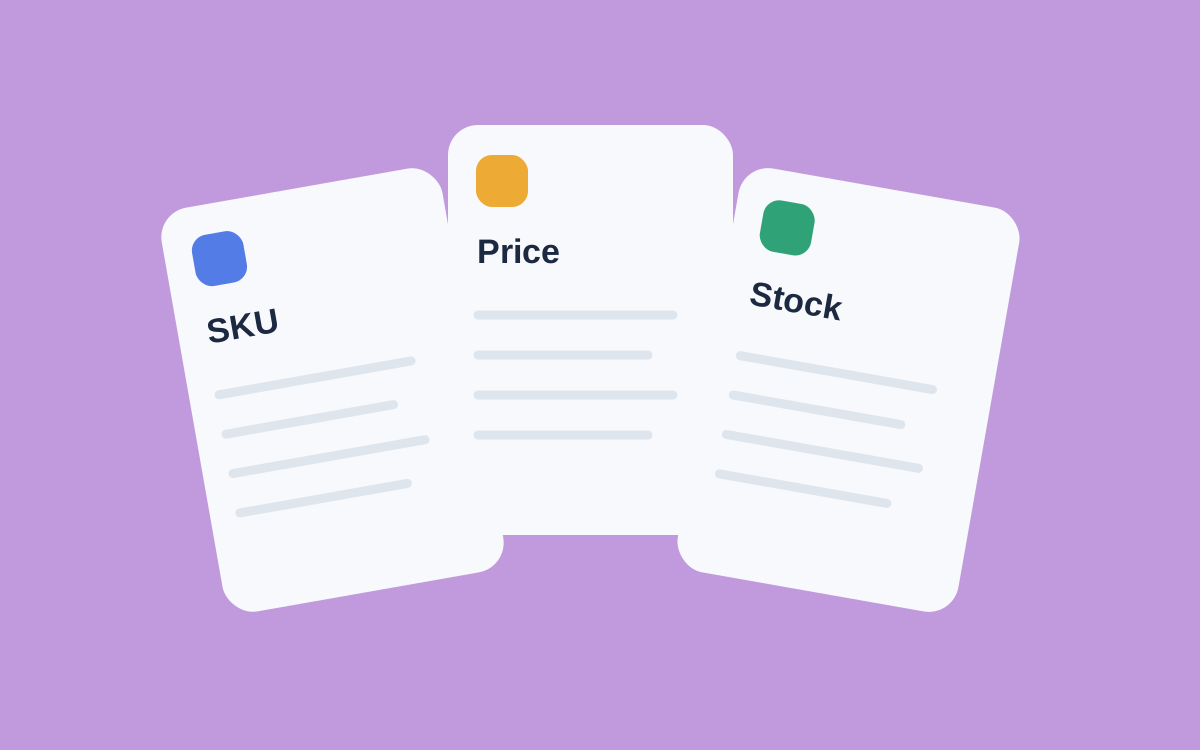
Write down what belongs in the table. Price checks need a product identifier, name, price, and source link. For regional comparisons, add region as a separate field.
Define what counts as one record. The same product in two cities can have different terms. Combining them without a region makes comparisons ambiguous.
A small selection is easier to inspect than a large catalog. Include familiar products, one without a price, and one with several variants. Problems stand out there more readily than among thousands of similar rows.
Check data before automation
In Akmelo, a source brings together scenarios, runs, and records. You can define field types and checks. But declaring a field does not teach the platform where to find its value on the site; the collection scenario does that.
Run a small test. If you use trial mode, inspect its preview before starting live collection. Compare several rows with the source: did a crossed-out price slip in, was the link preserved, and does the product variant match?
Pay attention to empty values. A missing price is not zero, and an unavailable product page does not prove that the product is permanently gone. Keep those distinctions in your processing rules.
Once the field list is clear, expand the selection and inspect it again. Note how run duration and resource usage change. Those observations help you choose a suitable frequency.
Define success before the first live run: required fields, acceptable gaps, and records that need a person to review them. A completed status should not replace a quality check.
If you are unsure what to collect, begin with catalog monitoring fields. See the documentation for source and run settings, then compare them with your field list.