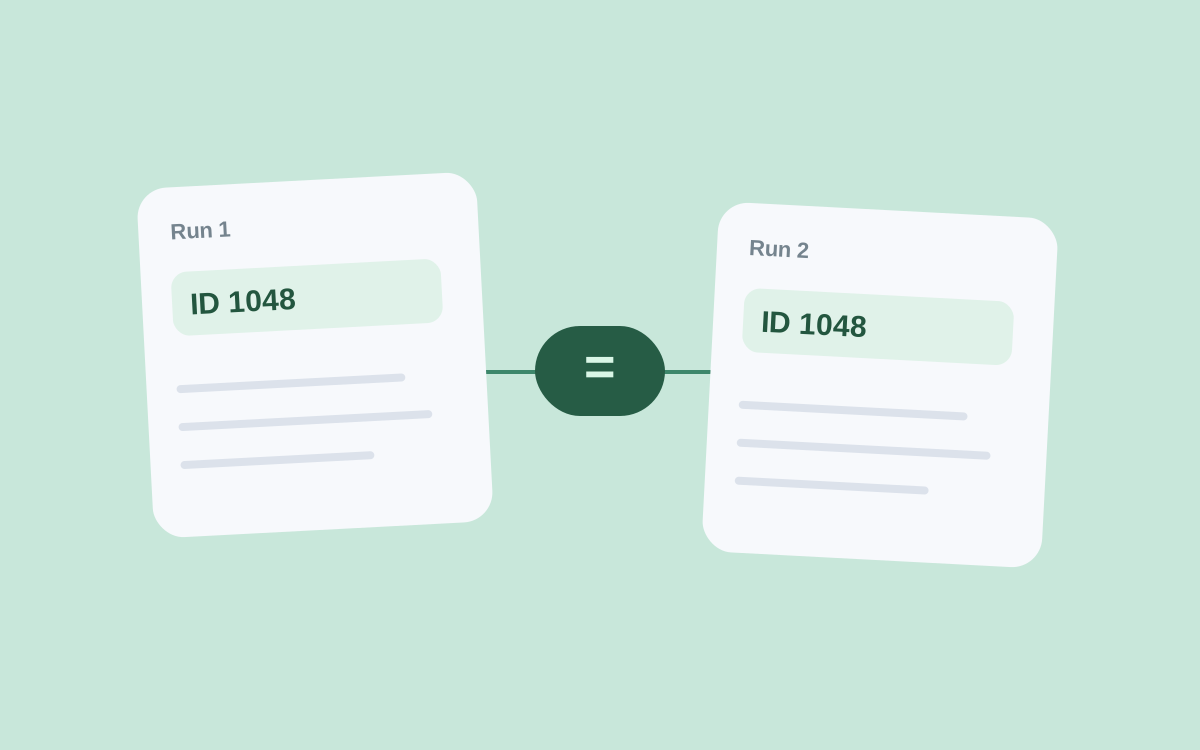
Yesterday a table contained “Black coffee maker”; today it says “Coffee maker, black.” Is this a new card or the same one with a revised title? Text alone cannot answer. Comparing products across runs requires a stable identifier that does not change with the description.
Matching mistakes rarely look like a crash. Rows and prices appear, but the changes belong to the wrong products. Define the matching rule before scheduling regular collection.
Start with the source identifier
If the site provides a persistent SKU or product-card ID, use it as the basis. Keep the name for reading and visual searching. A link helps you verify the page, but it may contain parameters unrelated to the product itself.
An identifier is meaningful within its source. Identical numbers from different marketplaces do not make two products identical. When combining catalogs, store the source alongside the SKU.
A record key can consist of several parts. For example, an SKU alone cannot preserve separate results for multiple cities.
Preserve product variants
A product card and a particular variant are not always the same thing. Size, color, package volume, and bundle contents can affect price and availability. Do not automatically merge two variants because their names look similar.
Decide whether you are tracking the whole card, a particular size, or a specific bundle. Then save the attributes needed to distinguish items at that level.
A matching name is usually insufficient across marketplaces. Compare model, brand, volume, and bundle contents. If a match is uncertain, send the pair for review instead of recording a guess as fact.
Test the key on a second run
Akmelo lets you select fields for duplicate detection. The key determines which results count as one record, so try it on a small sample first.
See what happens when a name changes. Verify that regions and variants do not overwrite each other. Check the opposite problem too: insignificant URL differences should not create new records.
With a sound key, one product's changes accumulate in its history while variants remain separate. The price history guide explains how to read those changes. Compare your initial columns with the catalog field set.