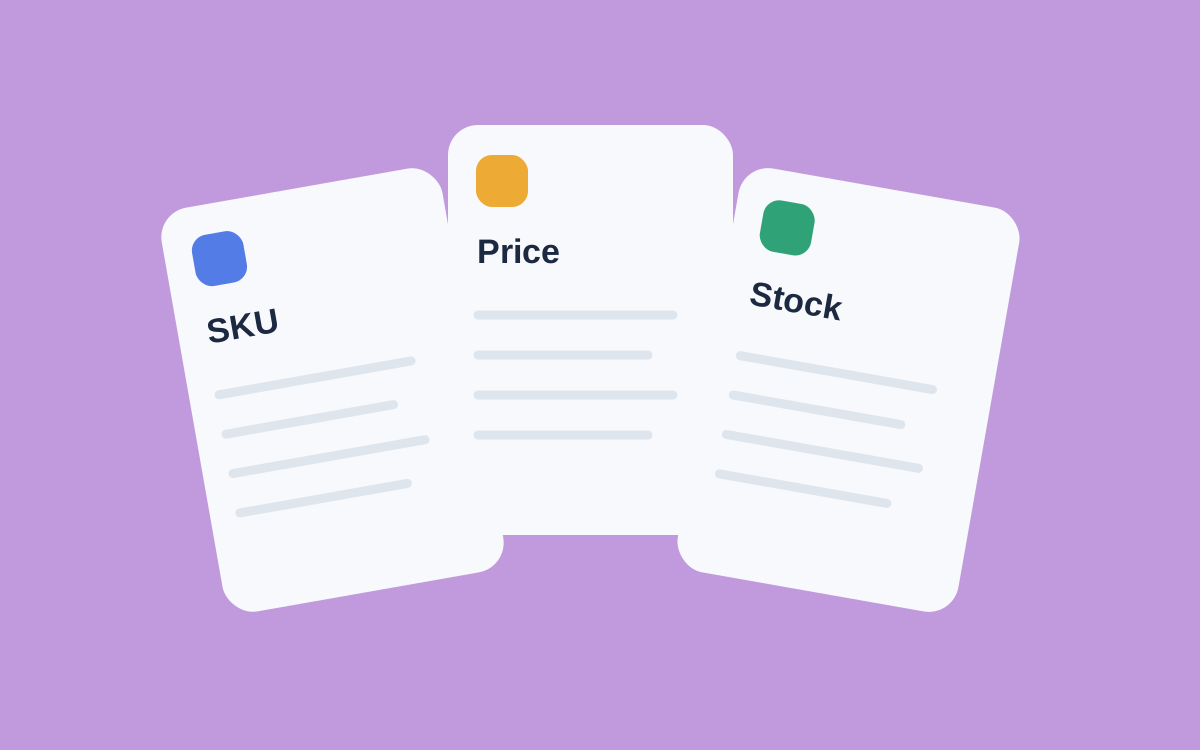
A catalog may contain many fields, but regular monitoring rarely needs all of them. If the task is about price and availability, a detailed packaging-material description may not help. Without an SKU, though, finding the same product on the next run becomes difficult. You also need a region to compare delivery conditions.
Start with a small field set and expand it when there is a clear reason to collect more.
A minimum set for comparison
These five fields help identify a product, compare values, and check the original page.
| Field | Example | Purpose |
|---|---|---|
| Identifier | SKU-1042 | Find the same card on the next run |
| Name | Desk lamp | Recognize the product quickly |
| Price | 2490 | Compare values between runs |
| Region | Moscow | Separate delivery conditions |
| Link | Product-page URL | Check the source page |
Define what “price” means here: the current payable amount, the original price, or another value on the card. Do not mix these in one column. Record the currency beside the price or in the field description.
The name makes a table easier to read, but it does not replace a stable identifier. A product name can change while the product stays the same.
Explain availability
“Stock” can mean different things. A source may show whether ordering is possible, quantities by size, or a total across warehouses. These values answer different questions.
If you need a clothing size, the card's total stock is insufficient. If delivery to a particular city matters, availability without a region is incomplete too. Give each field a clear meaning instead of labeling everything “availability.”
Checks matter more than column count
Akmelo fields have types, required-value settings, and validation rules. Use a numeric type for price and decide in advance how to handle missing values. Do not insert zero merely to fill an empty cell.
After configuration, inspect several different product pages. Pay particular attention to bundles, size variants, and discounted products: similar-looking pages may return values with different meanings.
Add columns to answer a specific question. A review count may help compare product cards, but it is not required for a daily price check.
Learn more about matching cards in the product identifier guide. Before sending a table onward, use the pre-export data checklist.
To turn the field list into a workflow, see price and assortment monitoring. The sites guide explains source and field setup.