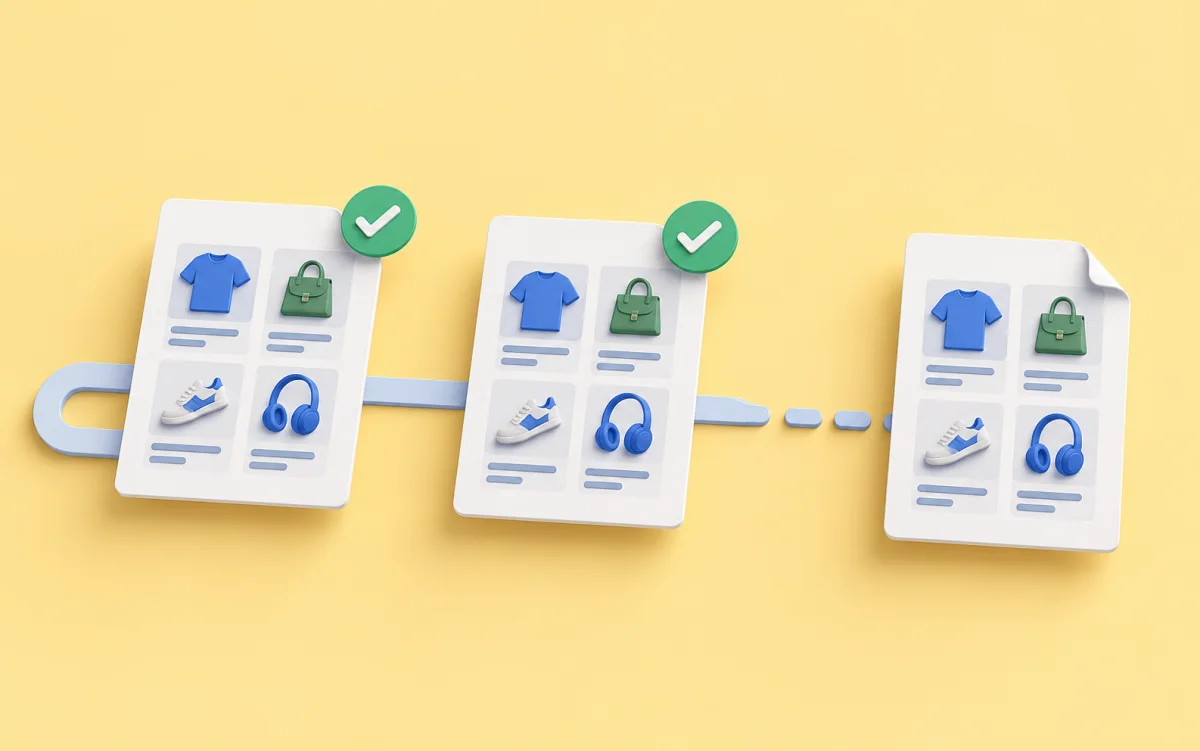
You fixed price extraction and want to see how results change. A normal rerun fetches the source again, but the page may have changed meanwhile. Saved responses let you replay processing without another site request.
Akmelo calls this Replay from snapshots. This procedure applies to SDK HTTP methods. Specialized Wildberries source methods do not support snapshot replay. Use it to investigate a scenario, not to collect fresh data.
What gets replayed
Replay uses saved HTTP responses. The system first looks for a page in the original run log and may then use the saved cache. If the required content is missing, replay fails instead of silently contacting the site.
A backup cache response may have been captured at a different time from the original run snapshots. Replay does not check cache freshness, so inputs are not always exact copies of the previous run.
You can select another scenario version from the same source, including a draft. Results go into a preview and do not update main records.
Read the differences
Choose a completed run with snapshots and start a replay. Its report compares the replay preview with current main records, not a historical catalog snapshot: it identifies matching, changed, and new records.
Check the record key. Changing both price extraction and matching logic at once makes differences harder to explain. Limit the first experiment to one change.
A “missing products” mark is available only while the original run remains the source's latest live run. If another live collection happened afterward, the absence of that mark says nothing about whether all products remain.
When to use another check
Snapshots have a limited retention period. Once they are removed, replay may no longer be possible. Explicit browser actions, such as clicks within a scenario session, cannot be reproduced in this mode.
There are technical limits: log snapshots do not restore headers, and the cache key does not distinguish POST request bodies sent to the same URL. Account for these limits if a scenario reads headers or sends different bodies to one address.
Replay still performs processing and may use cloud budget, even though it does not fetch the site again. Use a small fresh run when you need to check the current page.
See what to do when a source page changes. Replay requirements are in the API documentation.