Yesterday a scenario returned names and prices; today prices are blank. Perhaps the store changed its page. That happens, but one failed run does not prove a markup change. The source may have returned different content, been temporarily unavailable, or selected another product variant.
Find out what the scenario actually received before changing extraction rules.
Compare the expected page with the response
Open the failing run log and locate a page with a missing value. Check its URL, response status, and saved content. Examine the response the scenario processed, not just the page currently visible in your browser.
If a service message or empty block arrived instead of the product card, changing the price selector is unlikely to help. Investigate the response itself first.
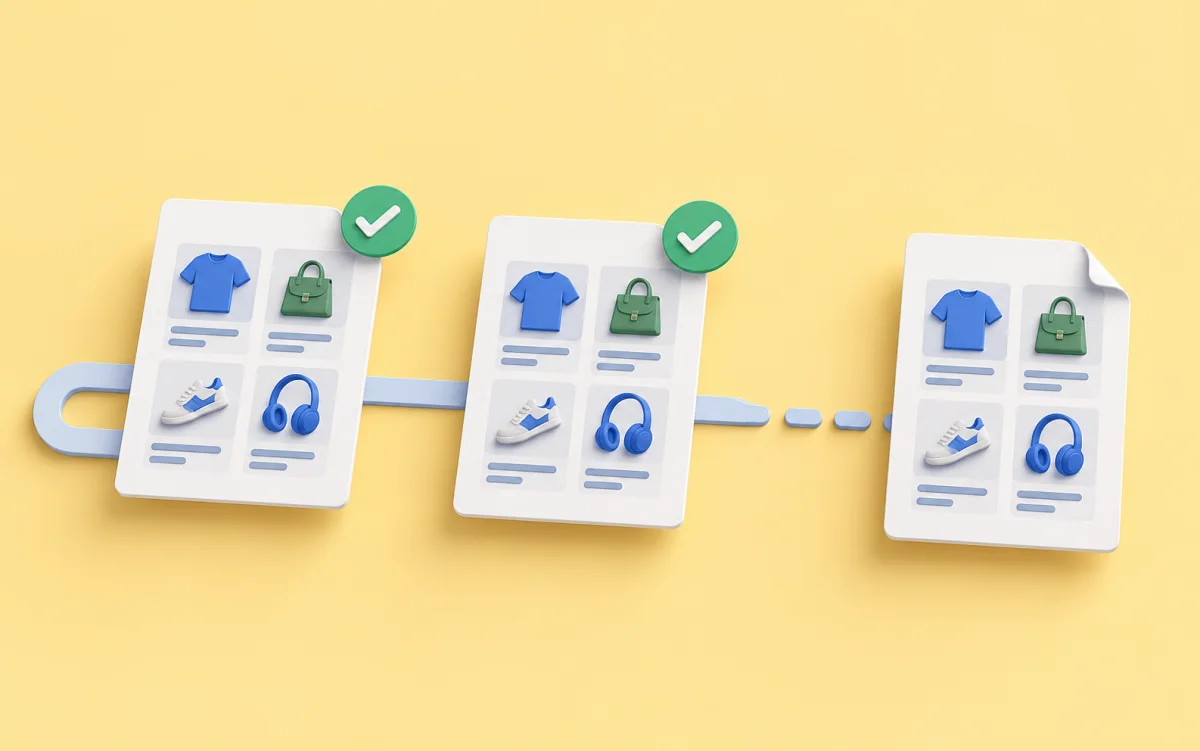
Compare a successful run if its snapshots are available. Is the desired value present in both versions? A missing value and a value moved elsewhere call for different fixes.
Check several examples
Suppose the price remains in HTML but moved to another element. Do not change the rule based on one card alone. Test a discounted product, a full-price product, and one with several variants.
Ensure the new rule does not capture an old crossed-out price, a neighboring product's price, or a caption. An overly broad rule can return a filled but incorrect field.
Check other fields too. If several values became blank at once, verify that the scenario still finds the product card and the right response section.
Trial the fix before publishing
Save the change as a new scenario version and run a trial. Inspect preview values before replacing the published version.
If suitable saved HTTP snapshots exist, replaying them lets you check processing without fetching the source again. A replay does not test current site availability and does not replace a fresh test after the fix.
After a live run, inspect several known cards again. Make sure the price field contains the intended amount rather than a crossed-out price or a neighboring item's value.
The trial and live run guide explains the modes. See rechecking saved snapshots for a deeper diagnostic path.