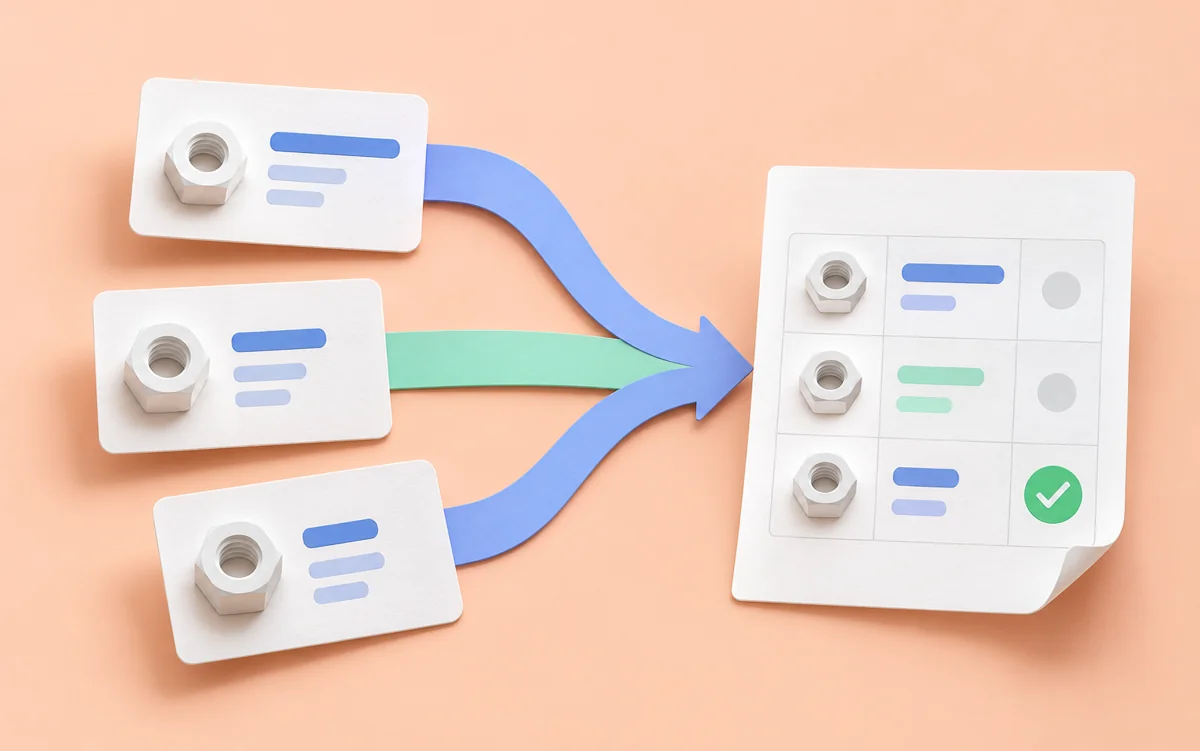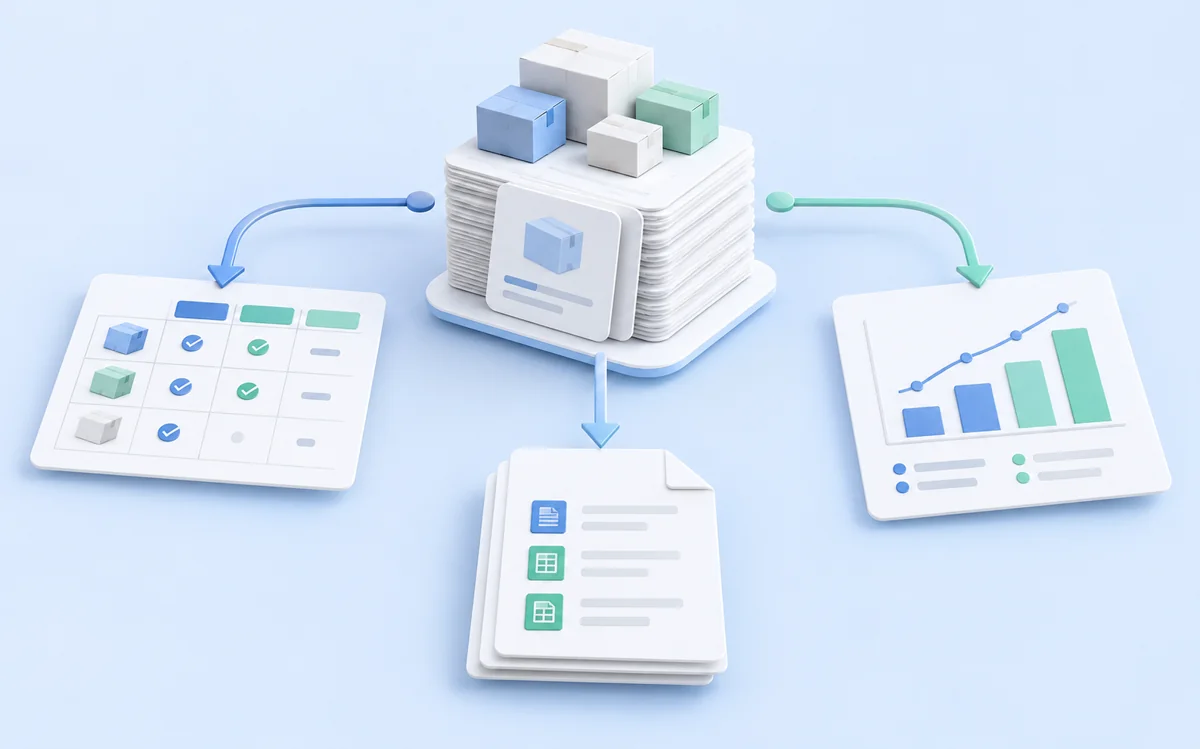
One person configures collection, another reviews prices, and a third prepares an import file. Even a small team will struggle if everyone interprets fields differently. To one colleague “stock” means an exact quantity; to another it means only that an order can be placed.
Agree on field meanings and result checks before sharing a catalog. Adapt the process below to your team.
A glossary before an export
Start with a short table: field name, meaning, source, and behavior when missing. State the currency and purchase conditions for prices. Clarify whether “stock” means quantity or simply availability.
Decide who approves glossary changes, who checks scenarios, and who accepts the final export. One person may cover several roles in a small team, but everyone should know whom to ask.
New members will not need to reconstruct every column from old messages. Use the catalog field guide as a starting point and remove anything irrelevant to your task.
Grant access for the job
In Akmelo, resources belong to a team workspace. You can configure access groups and member permissions, including restrictions on particular sites. One person may have different rights in different teams.
Viewing data, editing a scenario, and publishing a version use separate permissions. A colleague who checks a catalog does not necessarily need permission to alter live collection. Assign access according to responsibility, not job title.
A personal workspace serves personal work. Create a team workspace for a shared catalog and invite participants there. Before discussing data, confirm that everyone opened the intended workspace: switching workspaces changes which resources are visible.
Agree when a result is ready
A successful run tells you that the scenario finished; it does not by itself satisfy the team's acceptance criteria. Those may include filled required fields, an explainable record count, and a checked export sample.
Also decide who investigates a discrepancy, who checks the source, and who approves the next delivery. This matters especially for regular exports. The pre-export checklist is a short starting point. Revisit the agreement when a new teammate joins or the export changes.