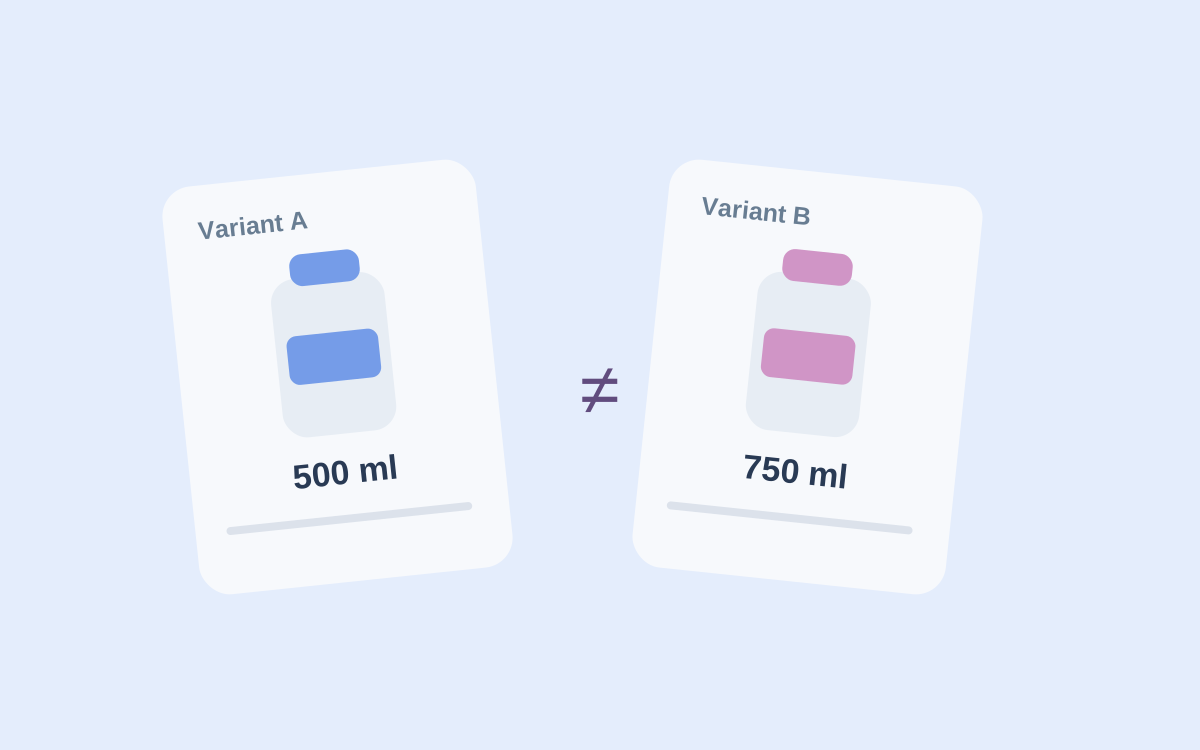
One catalog contains more rows than another. Does that mean it has a wider product range? Not always. Rows may include sizes, colors, bundles, and repeated offers of the same product.
To compare stores in a category, define differences that can be checked against source product cards. A total row count does not provide that detail.
Choose a comparison unit
Decide what counts as one item. Beverages may need brand, flavor, and volume. Clothing may need model, color, and size. A title alone creates too many uncertain matches.
Agree on packaging too. Two 250 ml cans and one 500 ml bottle share total volume but represent different offers. Do not merge them as one specific product without an explicit rule.
Store these attributes separately so uncertain matches are visible. The product identity guide explains stable identifiers.
Distinguish absence from uncertainty
If a record is missing from a later run, verify that the run covered the entire source. An unvisited page and a product truly absent from a catalog produce similar final lists but mean different things.
Filters matter too. One source may show only available items; another retains unavailable cards. Compare sets collected under consistent rules or state the differences. Check region, variants, and observation time as well.
Akmelo shows collected records and their history. This helps you revisit a changed card, but one source's history cannot match products across stores for you. Define matching rules for your task and verify examples.
It helps to split findings into confident matches, items unique to one source, and uncertain pairs. That is an analysis recommendation, not an automatic Akmelo classification. Keep product links and the reason for doubt with each uncertain pair.
After checking examples manually, you may see which extra fields to collect. Before exporting, inspect missing values and duplicates with the data quality checklist. Retain links and uncertainty notes in the final list so the comparison can be reviewed later.
For recurring collection, start with the assortment monitoring workflow, then review record quality rules for your structure. Use them to decide which rows can move on and which need review.