The SKU 001247 looks like the number 1247, but they may identify different catalog items. Storing the SKU as an integer removes its leading zeroes. You cannot reconstruct them later without another rule.
A field type affects more than how a column looks. It changes storage, validation, and delivery to other software. Choose a type according to the value's meaning, not merely its characters.
Digits do not always mean a number
SKUs, postal codes, and other identifiers often consist of digits, but nobody adds or averages them. They usually need a string type.
Akmelo offers a standard string and a string type for numeric codes. Do not choose an integer for an SKU with leading zeroes. Check a sample value first, then confirm it remains unchanged in the saved result.
Also check the receiving program. A spreadsheet may interpret a text SKU as a number while opening a file. If Akmelo stored 001247 but the spreadsheet shows 1247, inspect the import column type.
Prices need a clear value format
A price may arrive with spaces, a currency symbol, and fractional digits. Separate the amount from its formatting before storage. Use a decimal type for fractional prices, not an integer.
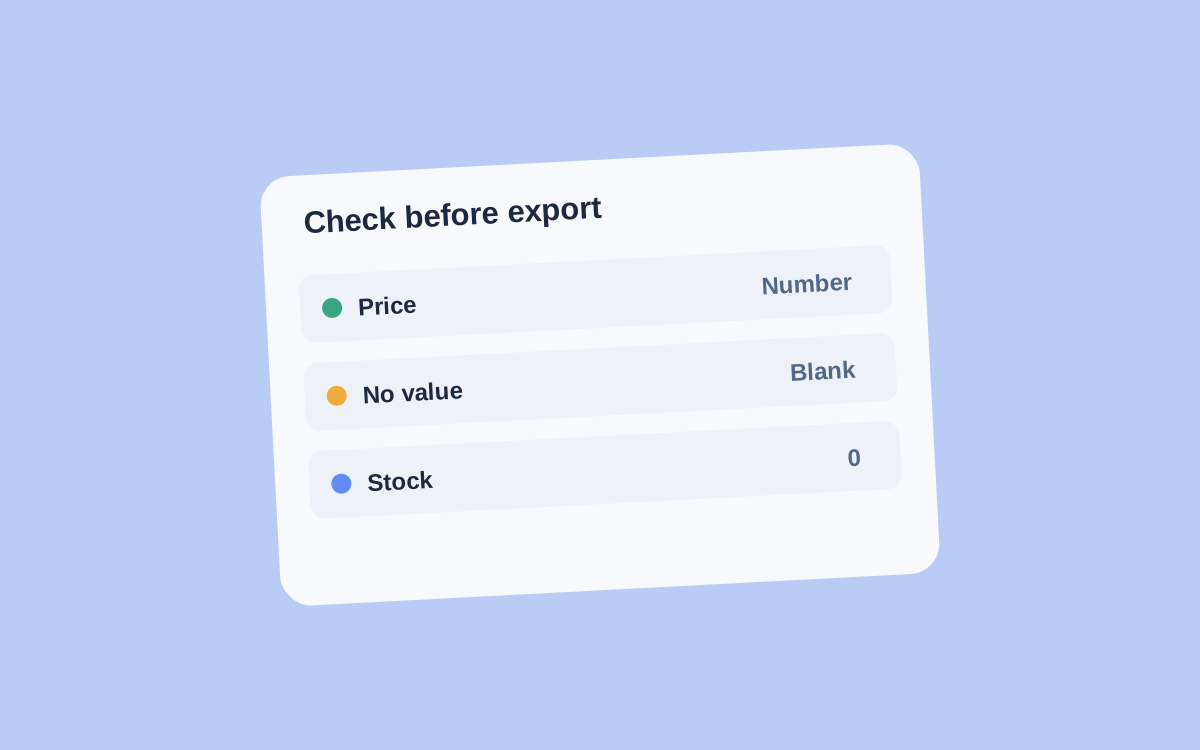
Try prices with and without cents as well as a missing value. Do not replace an absent price with zero just to keep the column filled. Zero claims a known value; a blank means something else.
Currency must be unambiguous too. If a table contains multiple currencies, store the currency beside each amount. Identical numbers without that context cannot be compared.
In Akmelo's field settings, choose the type and value preparation, then preview the conversion. Use tricky examples from the real source rather than only a perfectly formatted string.
Finally, check that record keys retained their characters, prices did not round unexpectedly, and missing values remain distinguishable.
The catalog fields guide covers the column choice. Before sending results onward, review export filters and field mapping.